Find anything around you.
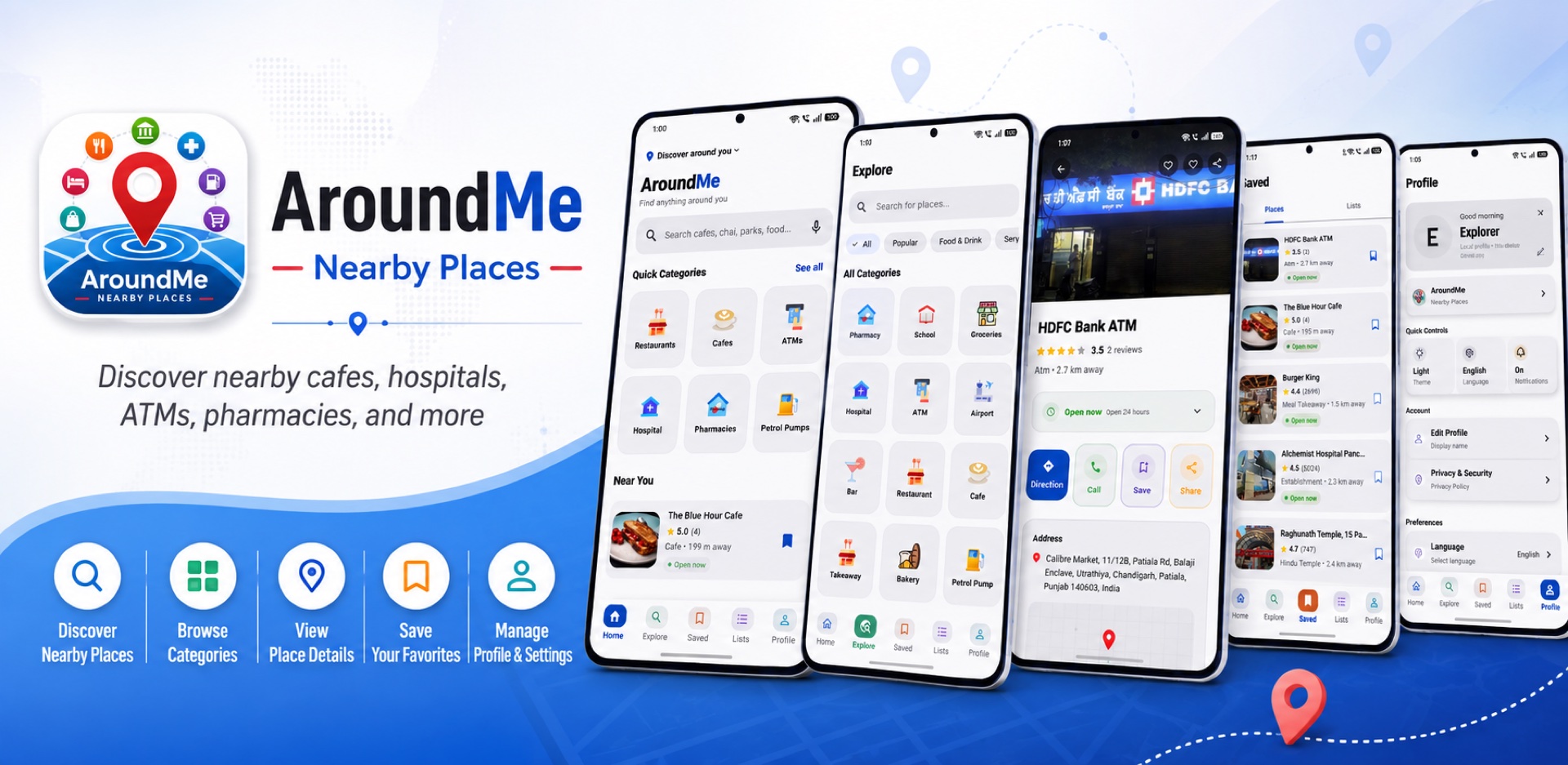
AroundMe: Nearby Places instantly finds restaurants, ATMs, pharmacies, petrol pumps, and 142+ other kinds of nearby places — sorted by distance, free, no account needed.
Everything you need to find what's nearby
AroundMe is built around one job: showing you what's around you, fast.
Instant Nearby Search
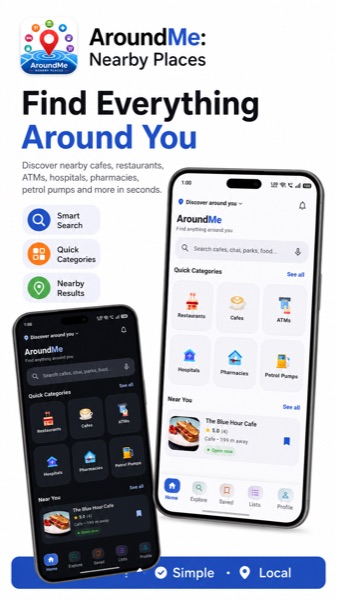
Open the app and see what's around you right away — no typing a search query or waiting on a slow map to load.
Hundreds of Categories
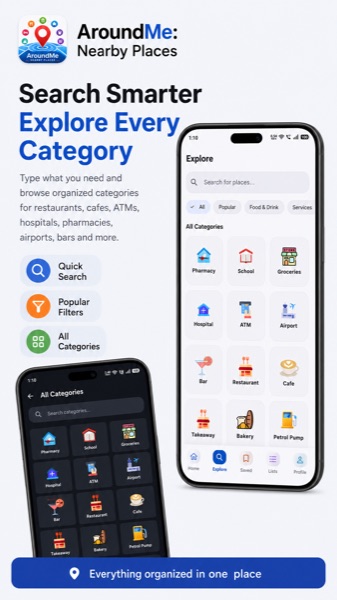
Restaurants, ATMs, pharmacies, petrol pumps, hospitals, hotels, parks, and hundreds more — AroundMe isn't limited to a handful of place types.
Distance-Sorted Results
The closest places to your current location always show up first, so you spend less time deciding.
Browse by Category
Don't know exactly what you're looking for? Browse organized categories instead of guessing a search term.
Everyday Essentials at a Glance
Quick access to the places you need most urgently — ATMs, pharmacies, hospitals, and petrol pumps.
Clean, Simple Interface
A focused, uncluttered design that gets you to nearby results quickly, without extra steps.
No Account Required
Install the app and start searching immediately. No sign-up, no login, no lost passwords.
Free to Use
AroundMe is free to download and use for finding places nearby.
Location Used Only for Search
Your location is used to find nearby places — that's what it's for. See the Privacy Policy for full details.
Not just restaurants and ATMs
AroundMe covers 142+ categories across food, shopping, health, transport, travel, and more.
See it in action
A closer look at AroundMe on Android.
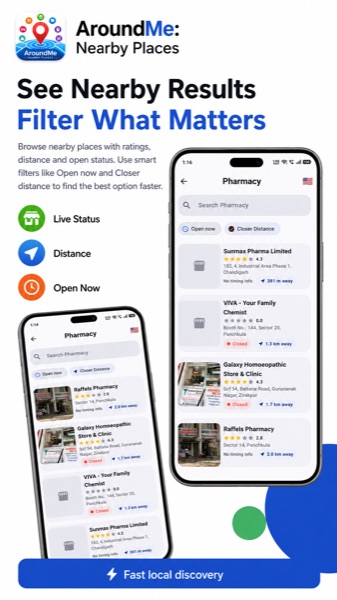
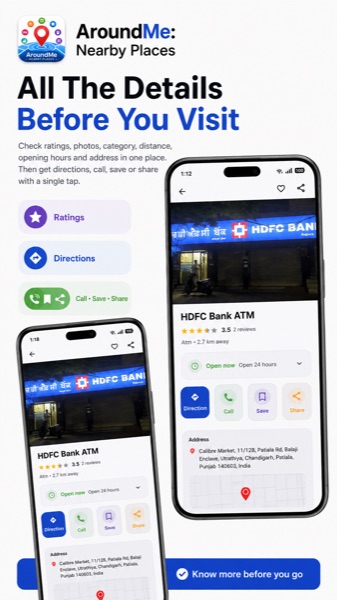
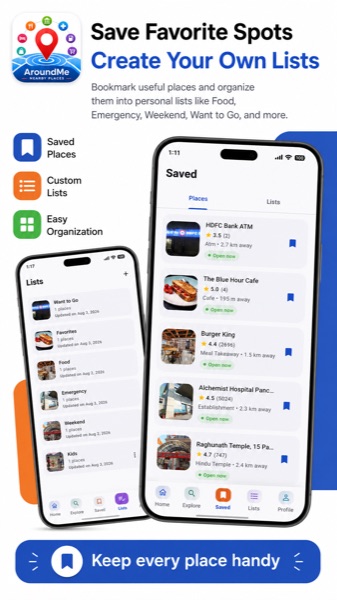
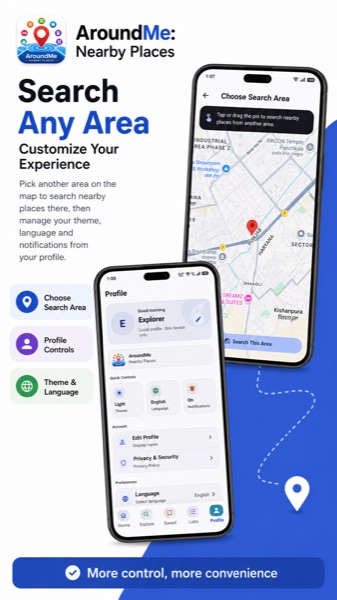
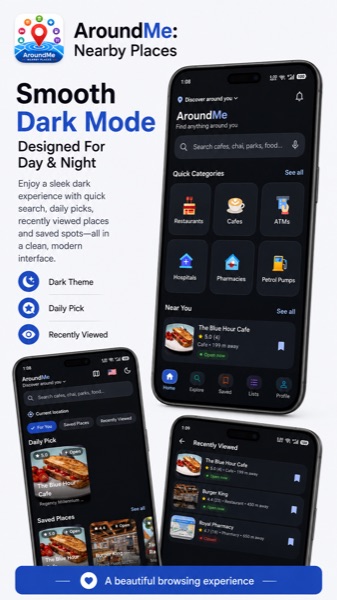
How it works
From open to nearby results in a few seconds.
Open AroundMe
Launch the app and allow location access when prompted — that's the only setup required.
Pick a category
Browse categories like Restaurants, ATMs, or Pharmacies, or search for something specific.
See what's nearby
Results appear sorted by distance from your current location, closest first.
Get there
Tap a result for more details, then head over.
Why people choose AroundMe
A handful of deliberate choices make AroundMe feel different from a general-purpose maps app.
Built for speed
Find what's nearby in seconds — no slow map to pan and zoom through first.
Genuinely broad coverage
Hundreds of place types, not just the handful most nearby-place apps stop at.
No account, no friction
Nothing to sign up for. Install it, allow location access, and start searching.
Privacy-conscious by design
Your location is used to find nearby places — nothing more.
Always free
AroundMe is free to download and free to use.
Privacy-conscious by design
- Your location is used only to find places near you.
- No account or personal profile is required to use the app.
- Read the full Privacy Policy for exactly what is and isn't collected.
From the blog
Finding petrol pumps and ATMs near you, quickly
Petrol pumps and ATMs are two of the most time-sensitive nearby-place searches. Here's how AroundMe handles both.
January 22, 2026The complete list of categories AroundMe supports
AroundMe supports a lot more than restaurants and ATMs. Here's an overview of the full breadth of categories, grouped by type.
January 20, 2026How to find anything near you with AroundMe
A quick walkthrough of how AroundMe finds nearby places — from opening the app to getting directions — and a few tips for getting better results.
Find anything around you. Right now.
Free to download. No account required. Available now on the App Store and Google Play.